
Episode 07 · 3:59
OriginSpan · Episode 06 / 14
Video hosted by YouTube. You can also watch it directly on YouTube. English narration. Captions and transcripts in English, Spanish, Italian, French and German. Meetings are conducted in English.
How do you start a Digital Product Passport pilot? Choose a focused product scope, a useful workflow, named owners and acceptance criteria before collecting data.
Educational examples and AI-generated narration.
How do you start a Digital Product Passport pilot? Choose one product family, one useful workflow, and a clear decision the pilot should support. Agree what success looks like before collecting data. The aim is a small, complete working example your team can evaluate.
Imagine an apparel brand testing a passport for one jacket model. The team chooses two production batches and a small set of individual jackets. This is an illustrative scope, not a recommended minimum. The first workflow is simple: scan a jacket, find the approved care information, and let an authorized service colleague review its repair history.
Write a short pilot brief. Name the business owner, the people supplying information, and the person approving publication. Define the product scope, the audience, the target languages, and the review date. Include a list of questions the pilot must answer, so additional requests do not silently turn it into a much larger project.
Next, map the information you actually need. Shared care guidance can belong to the model. Production evidence may belong to a batch. A repair event belongs to the individual jacket. Record where each value comes from and who owns corrections. Keep missing or disputed information visible instead of filling gaps with plausible guesses.
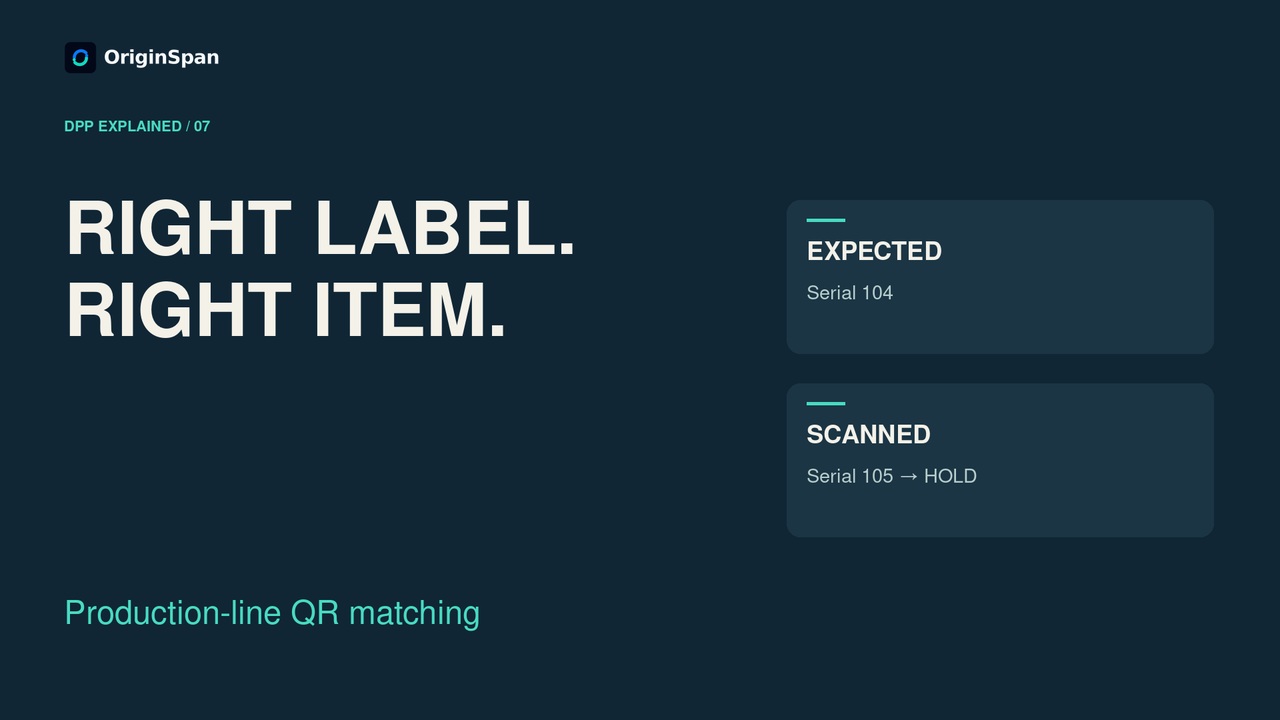
Set up a small, representative data sample. Include a normal record, a missing value, and a deliberate mismatch that your team should catch. Connect the product identifier to the intended record and test the label on a real item. A code that scans successfully is only the beginning: the destination and the information must also be right.
Test with separate audience roles. A public visitor should see only the approved public information. An authorized service colleague may need additional records. An unrelated account should not receive that restricted information. Check the actual result for each role, including what happens when access is refused. Document the outcomes and any unresolved issues.
Then test a change. Correct a care instruction, review it, and publish the approved update. Check the translated versions and scan the existing label again. Verify that the intended current information appears and that the team can identify what changed. Also rehearse who responds if information must be withdrawn or a supplier record needs correction.
Measure a few useful results. Can people reach the correct record? How many required fields have usable sources? How long does review and correction take? Track failed access checks, unresolved data gaps, and translation corrections. Agree acceptance targets before the test. A polished demonstration alone does not prove that the workflow is ready to expand.
Finish with a decision: expand, fix and retest, or stop. Keep the sample records, test results, open issues, and named owners together. OriginSpan can help shape a focused engagement around your products, identities, and workflow. Bring one product example and one operational question to a demonstration. Use the booking link in the description to start the conversation.
Episode 07 · 3:59
Bring one product record, a supplier information request and the markets you serve. We can demonstrate the relevant workflow and discuss implementation together.
Book a live demo